

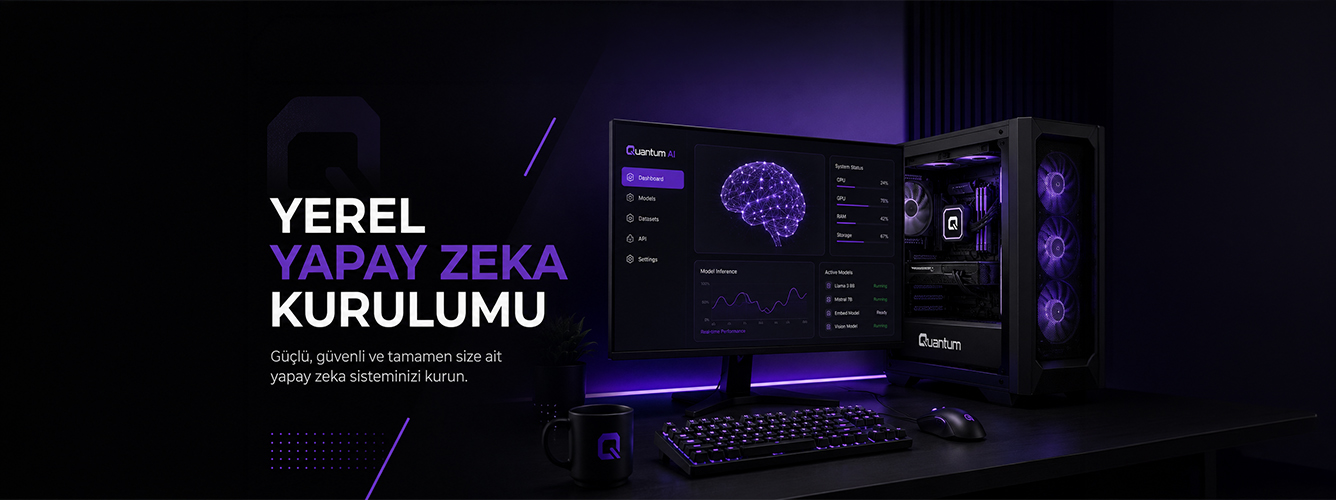
Setting Up Local Artificial Intelligence
What Kind of PC Do You Need to Run Local AI Models?
Imagine being able to ask questions as you would in ChatGPT without needing an internet connection. Nothing you type goes to a server, you do not share your data with anyone, there is no monthly subscription, and the model behaves as you want because you configure it yourself.
This is no longer just an idea. Models such as Llama, Mistral, DeepSeek and Phi can run on a home computer. The critical question is: which computer?
With the wrong hardware, local AI can be painfully slow or fail to run at all.
It All Comes Down to VRAM
When running local AI models, the main bottleneck is often not the CPU but the graphics card's memory: VRAM. The model's weights need to be loaded into memory while it runs.
- 7B model: approximately 6–8GB VRAM
- 13B model: approximately 10–12GB VRAM
- 70B model: requires 24GB+ VRAM
For example, an RTX 4060 with 8GB of VRAM can run 7B models smoothly. With a 13B model, however, the workload may start spilling into system RAM, sharply reducing token-generation speed.
Why Does Quantization Matter?
Models take up a lot of space in their original form. Quantized versions can run with less VRAM. For many users, Q4 and Q5 formats offer substantial benefits without a noticeable loss in quality.
Tools such as Ollama and LM Studio now handle this process automatically, without extra configuration.
GPU or CPU?
AI models can run on a GPU or a CPU, but the experience is very different.
- GPU: 30–50 tokens/sec → smooth interaction
- CPU: 3–8 tokens/sec → a slower experience
The same model may feel responsive in real time on a GPU, while longer outputs involve noticeable waiting on a CPU.
How Much RAM Do You Need?
- 16GB: sufficient for 7B
- 32GB: ideal for 13B
- 64GB: large models and fine-tuning
If you only want to use the model, 32GB is enough in most scenarios.
Which GPU Is Actually Useful?
NVIDIA currently offers a more mature ecosystem for AI tools. CUDA support in particular helps make setup more straightforward.
- Getting started: RTX 4060 Ti 16GB
- Serious use: RTX 4090 / RTX 5080
- Professional use: RTX Ada / H100 series
Why Are Storage and Cooling Critical?
An NVMe SSD makes a significant difference to model-loading times. Once you start using several models, storage requirements grow quickly.
AI workloads can also keep the GPU heavily loaded for hours. Strong airflow and sustained cooling therefore matter.
What About Prebuilt Workstations?
If you would rather not manage component selection, compatibility, cooling and upgrade options yourself, a prebuilt workstation can be a good starting point.
Choosing suitable hardware from the start can save a great deal of time when moving to local AI.
Explore Workstation Systems