

11 products listed
Gaming PC Cases
A gaming case is an important part of a well-planned PC build. It houses your components, supports their cooling and gives the system its appearance. Choosing a case that matches your hardware helps you combine practical access, airflow and the style you want for your setup.
Cases designed for demanding gaming systems provide space for powerful components and the airflow needed to manage their heat. Materials, layout and expansion room also matter when you plan to maintain or upgrade the computer over time.
Case Types and Features
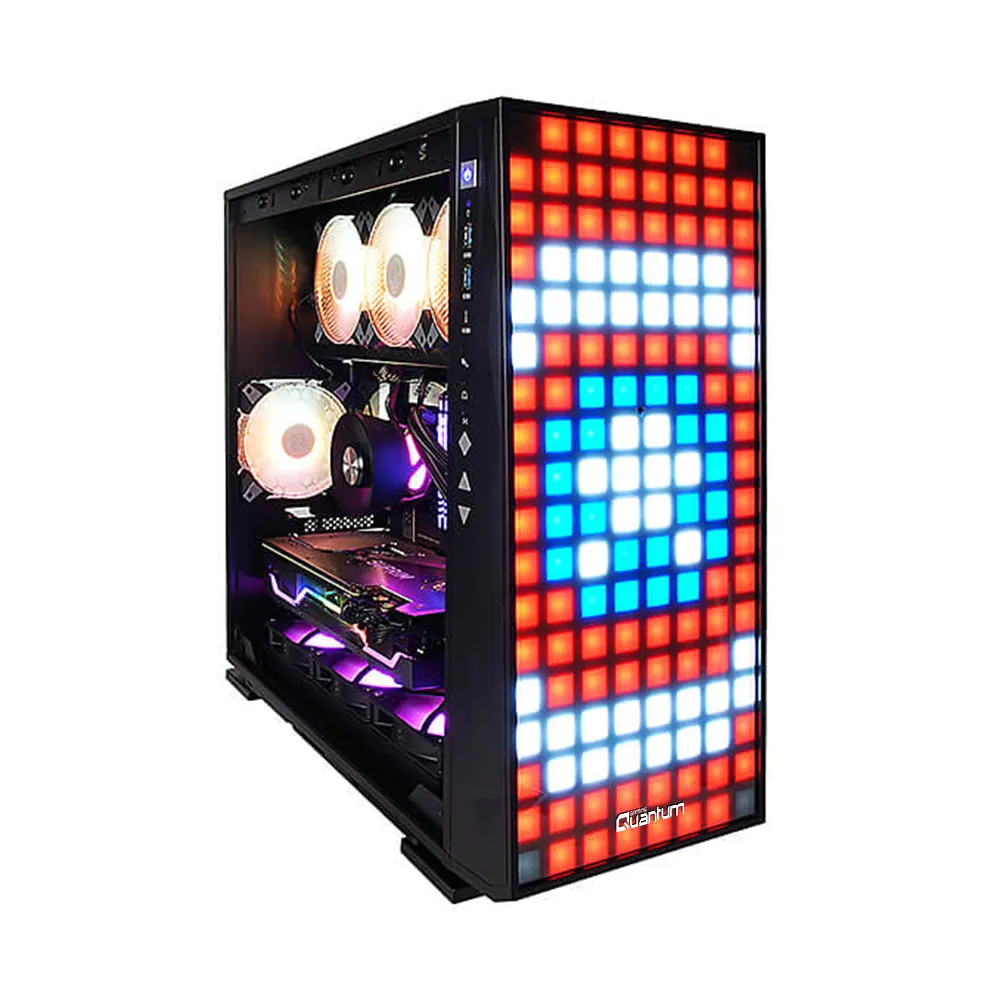
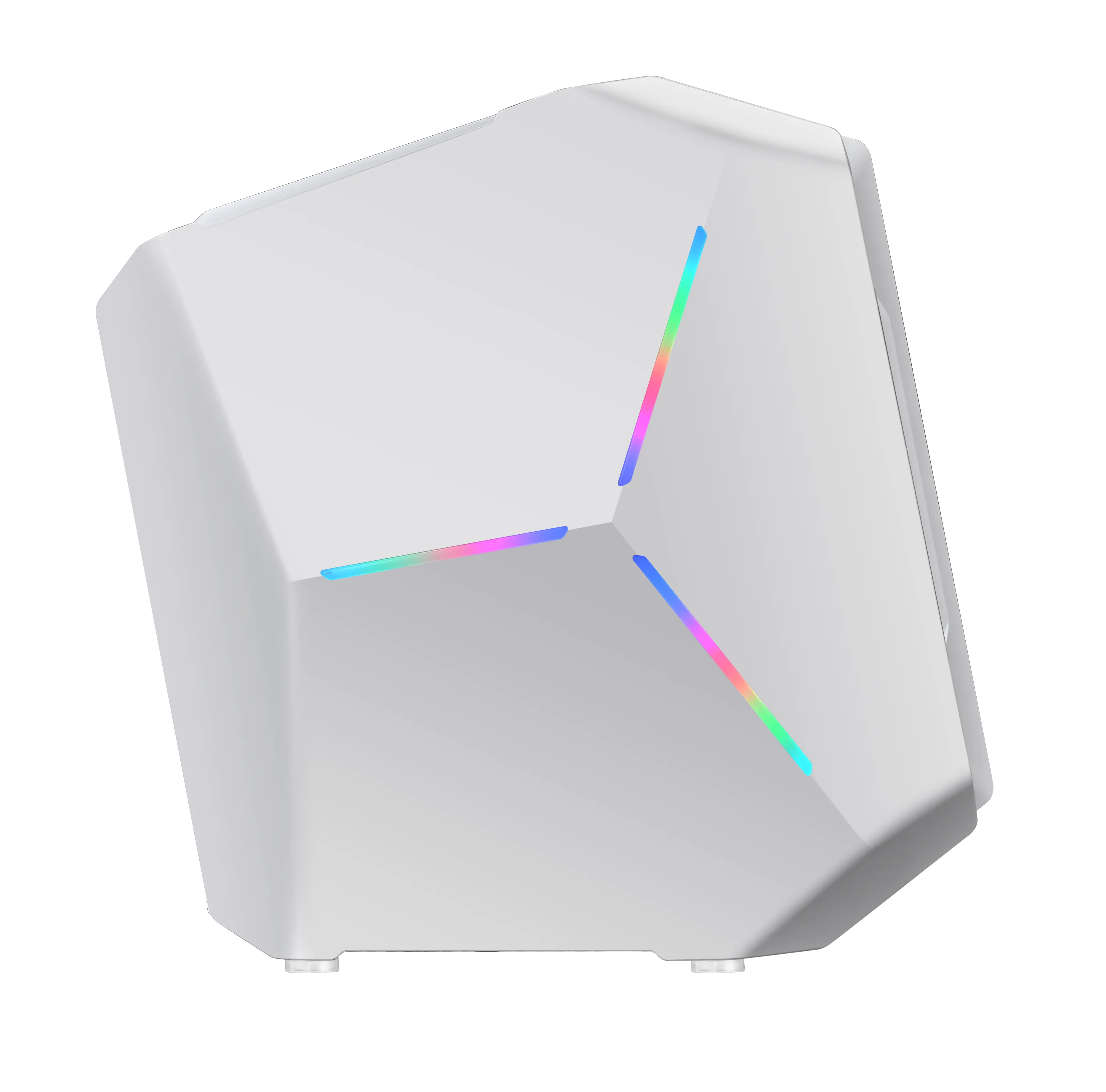
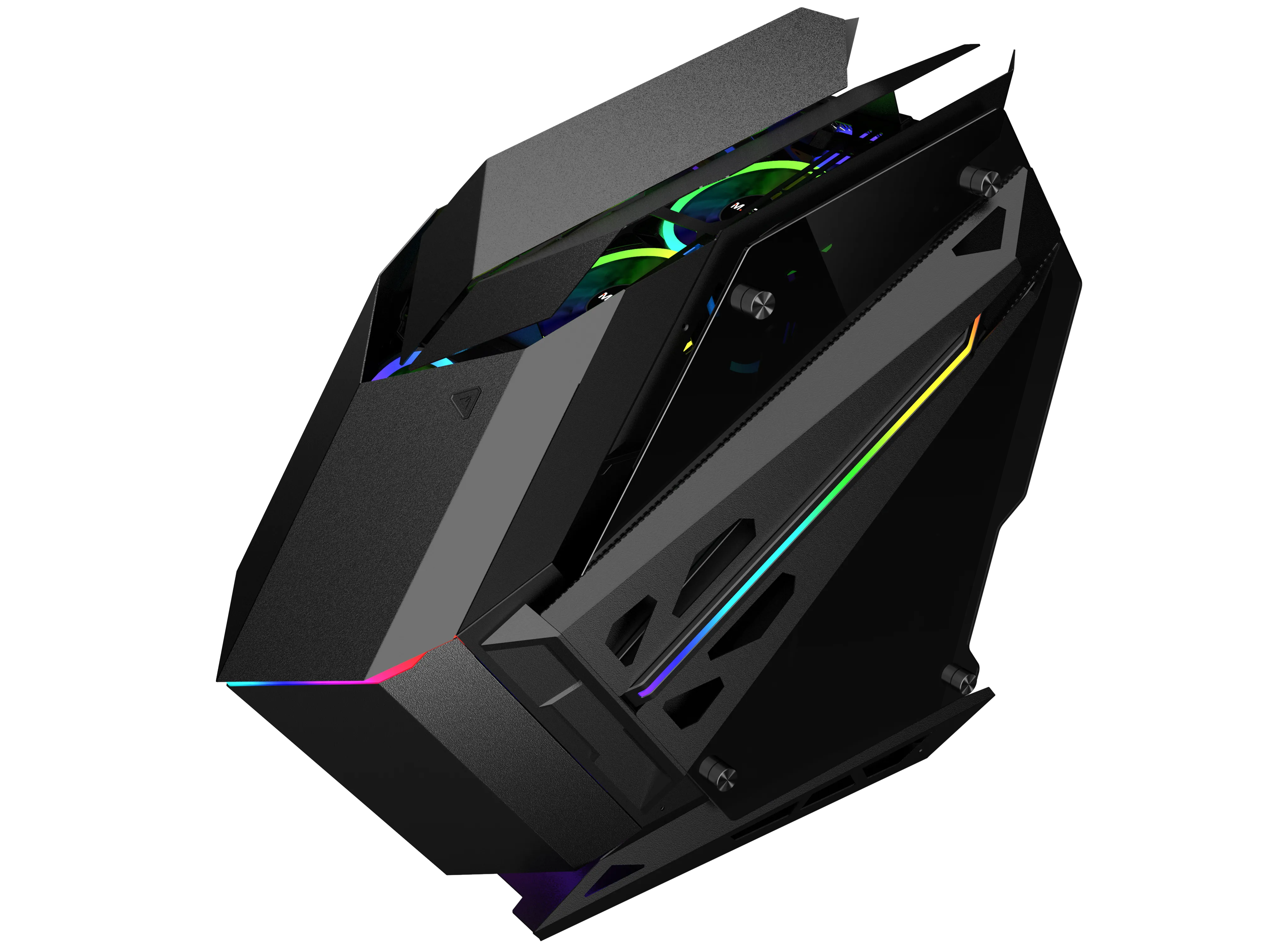
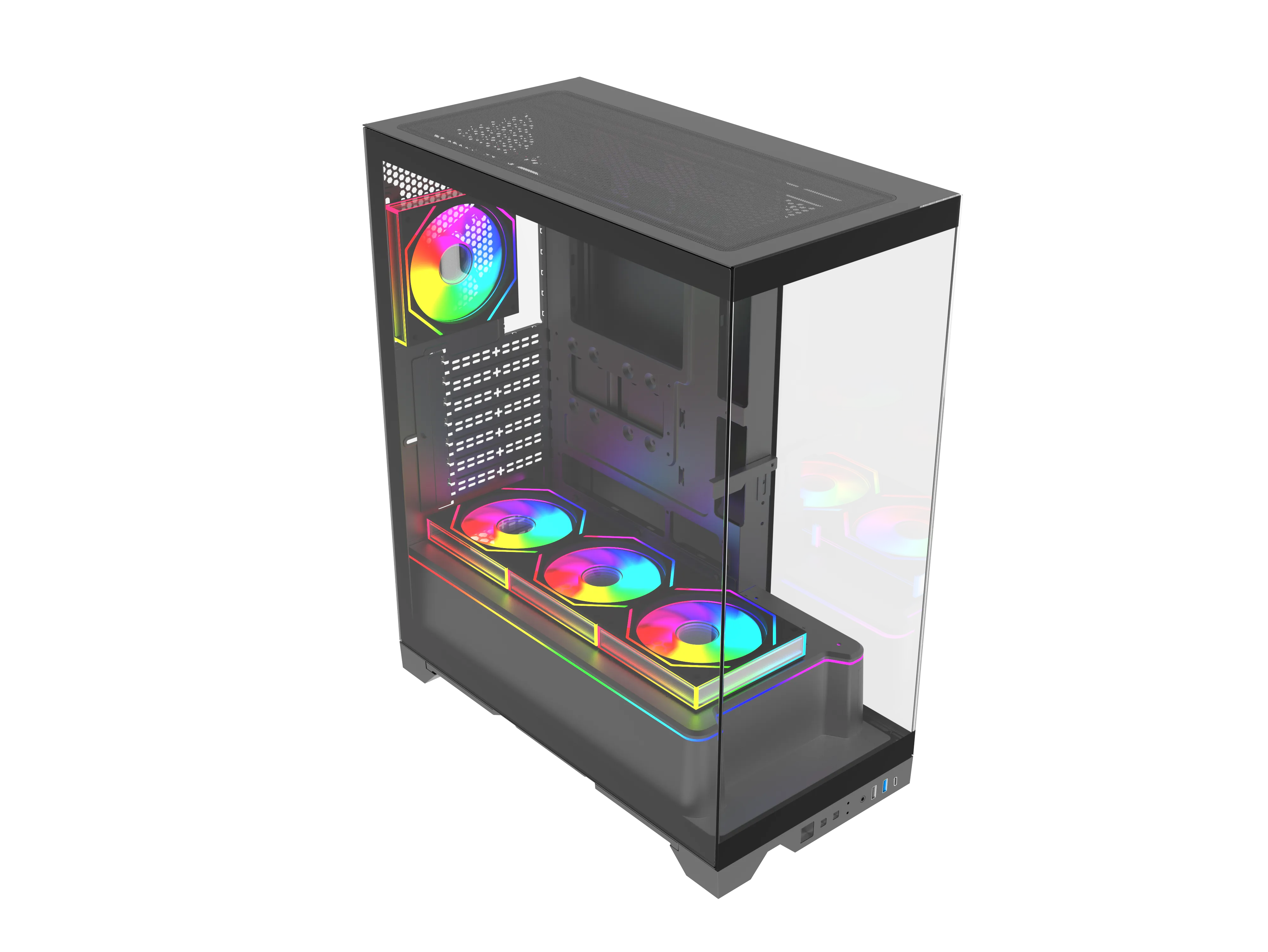
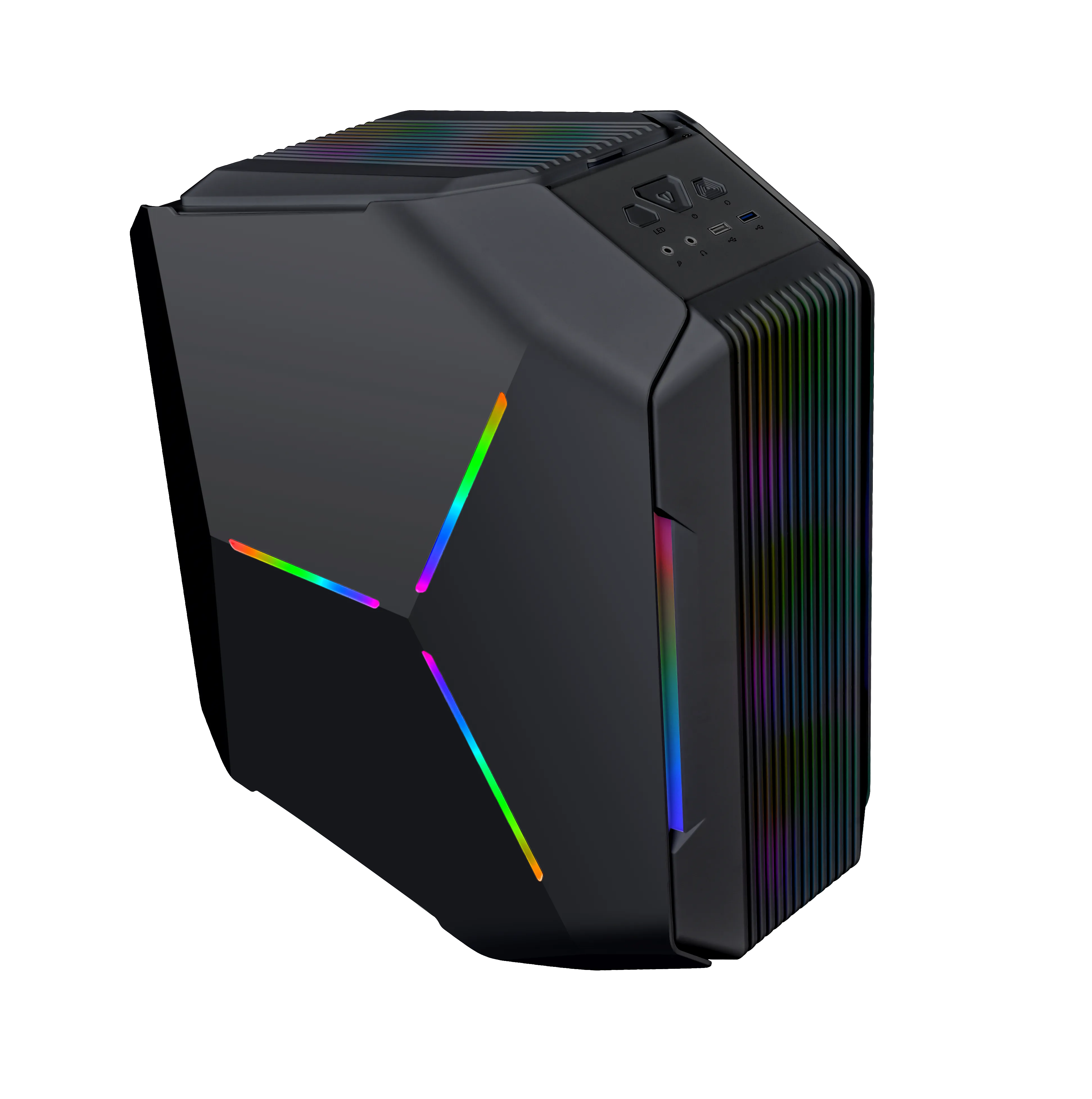
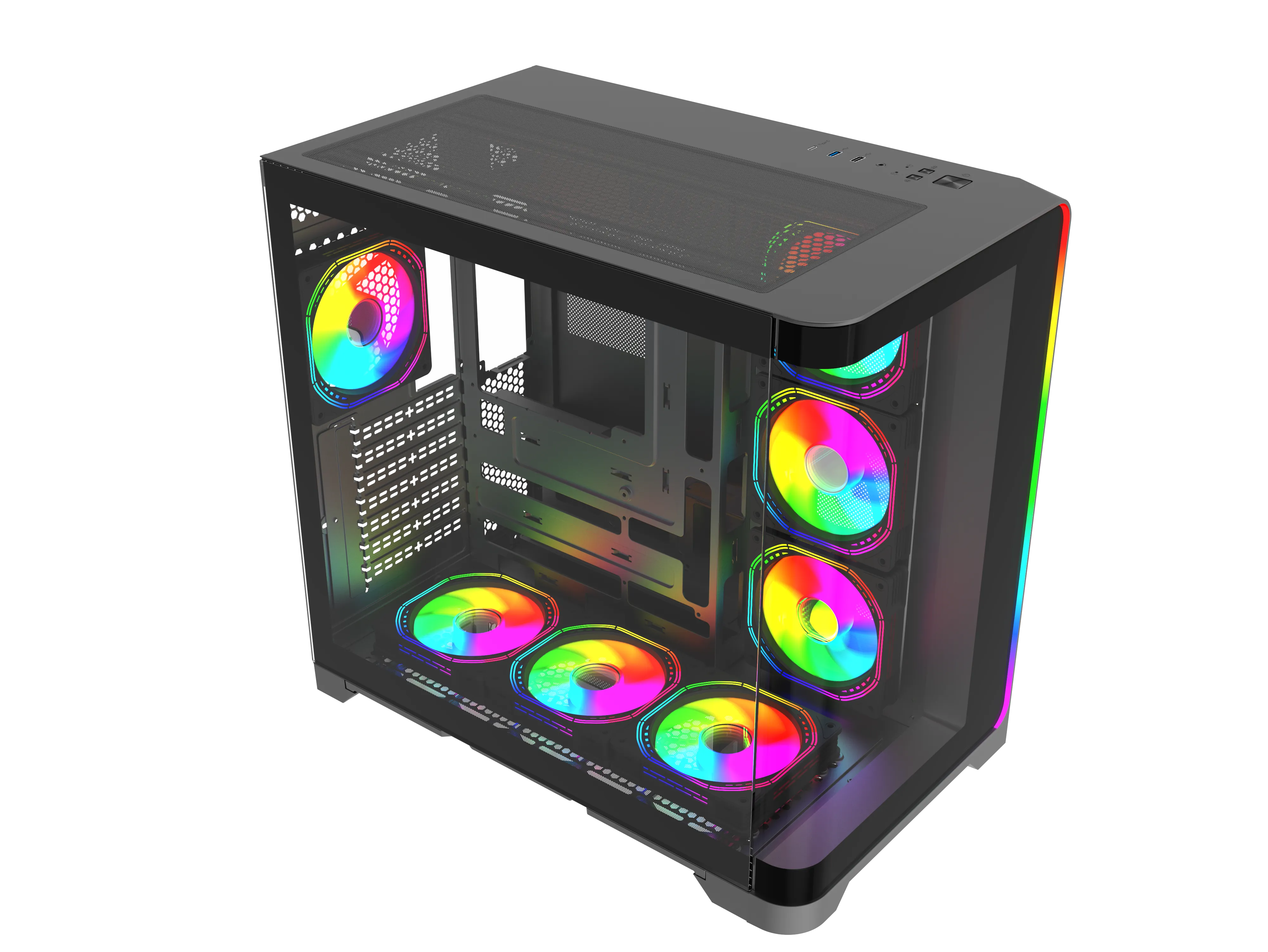
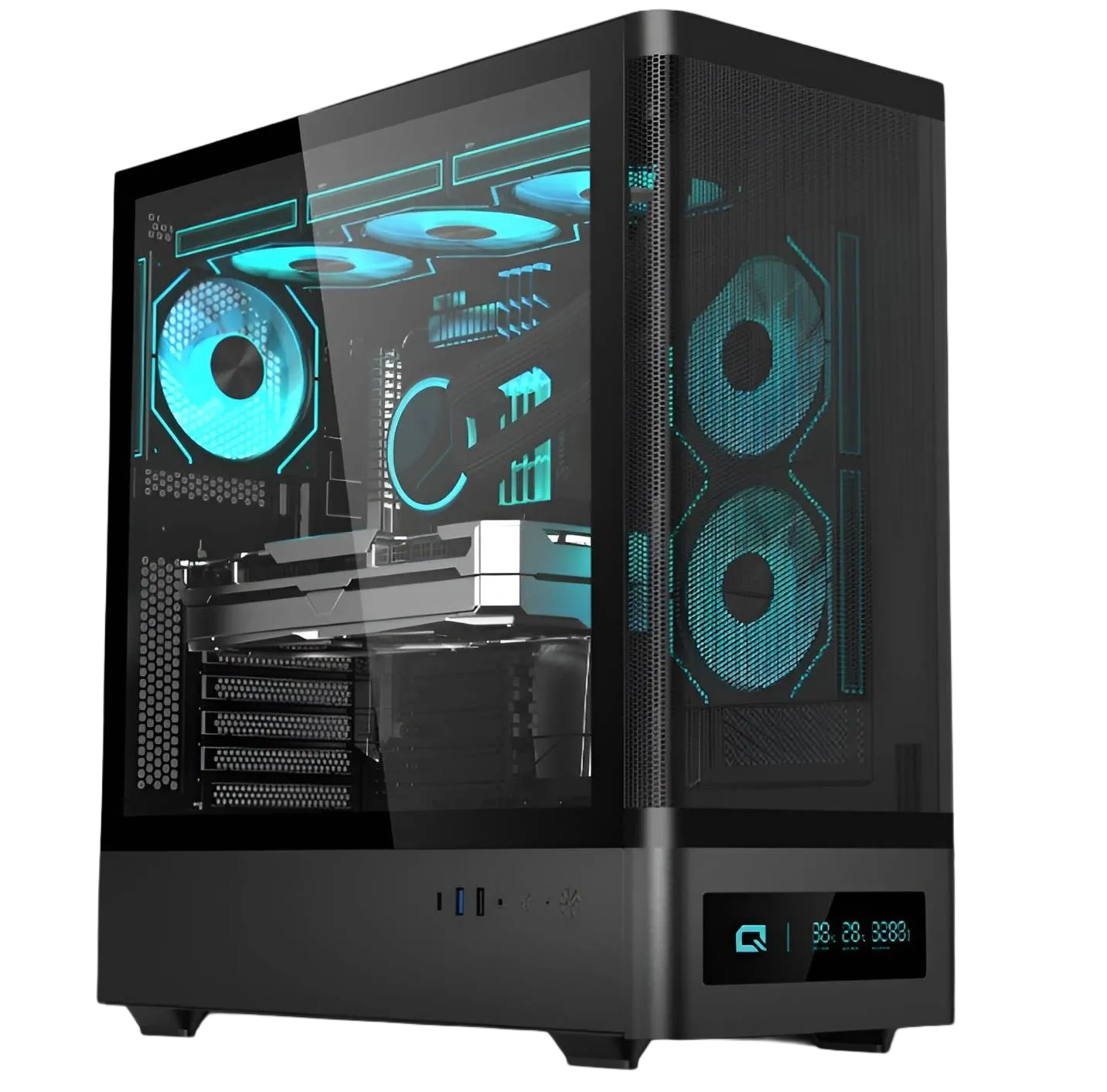
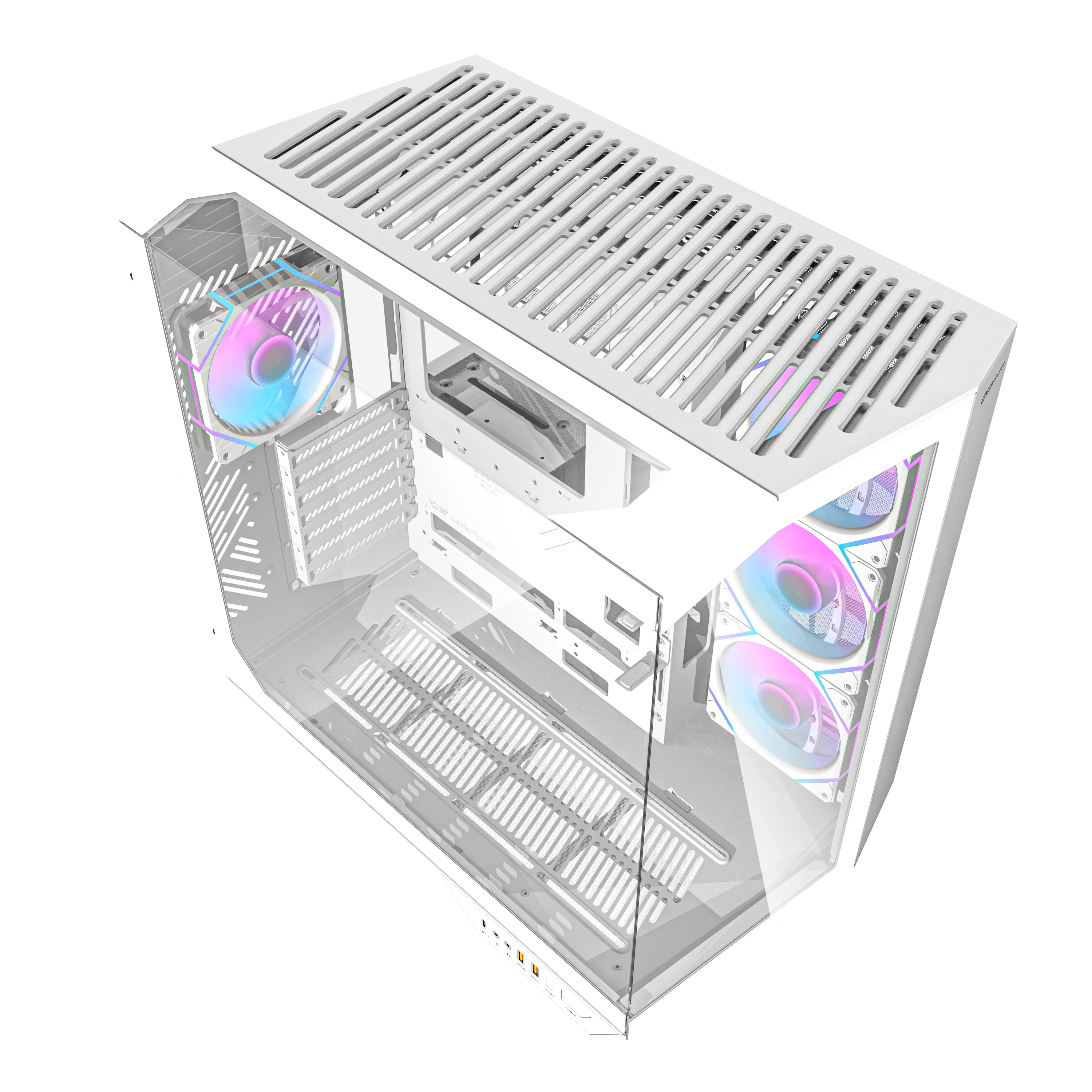
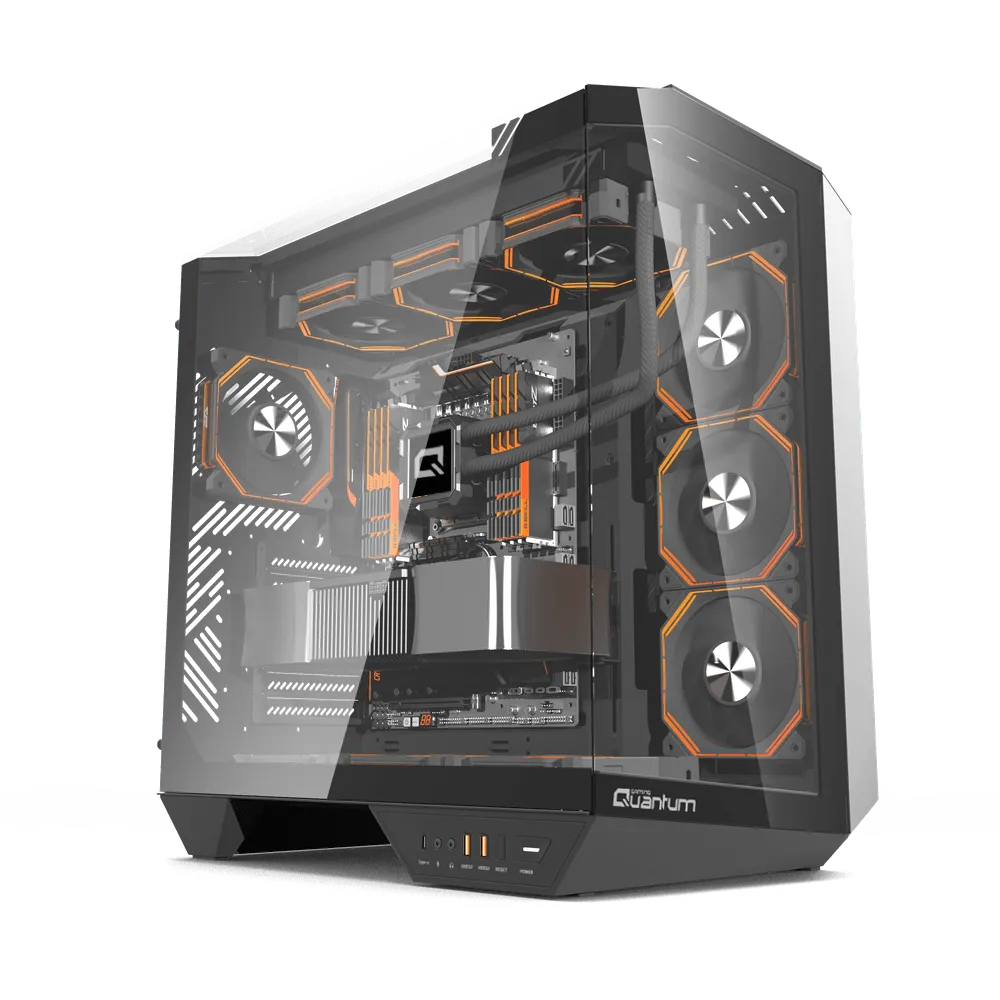
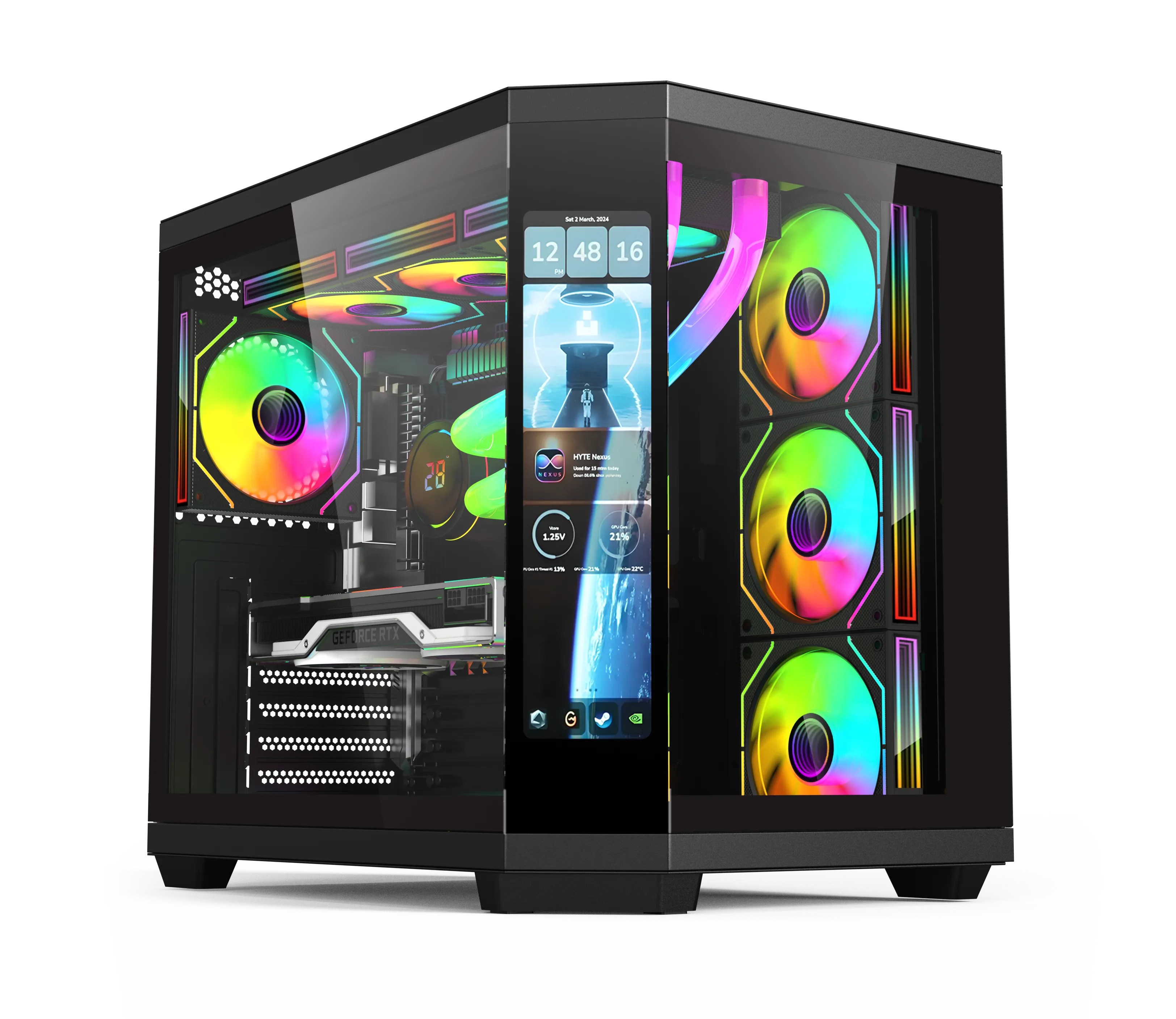
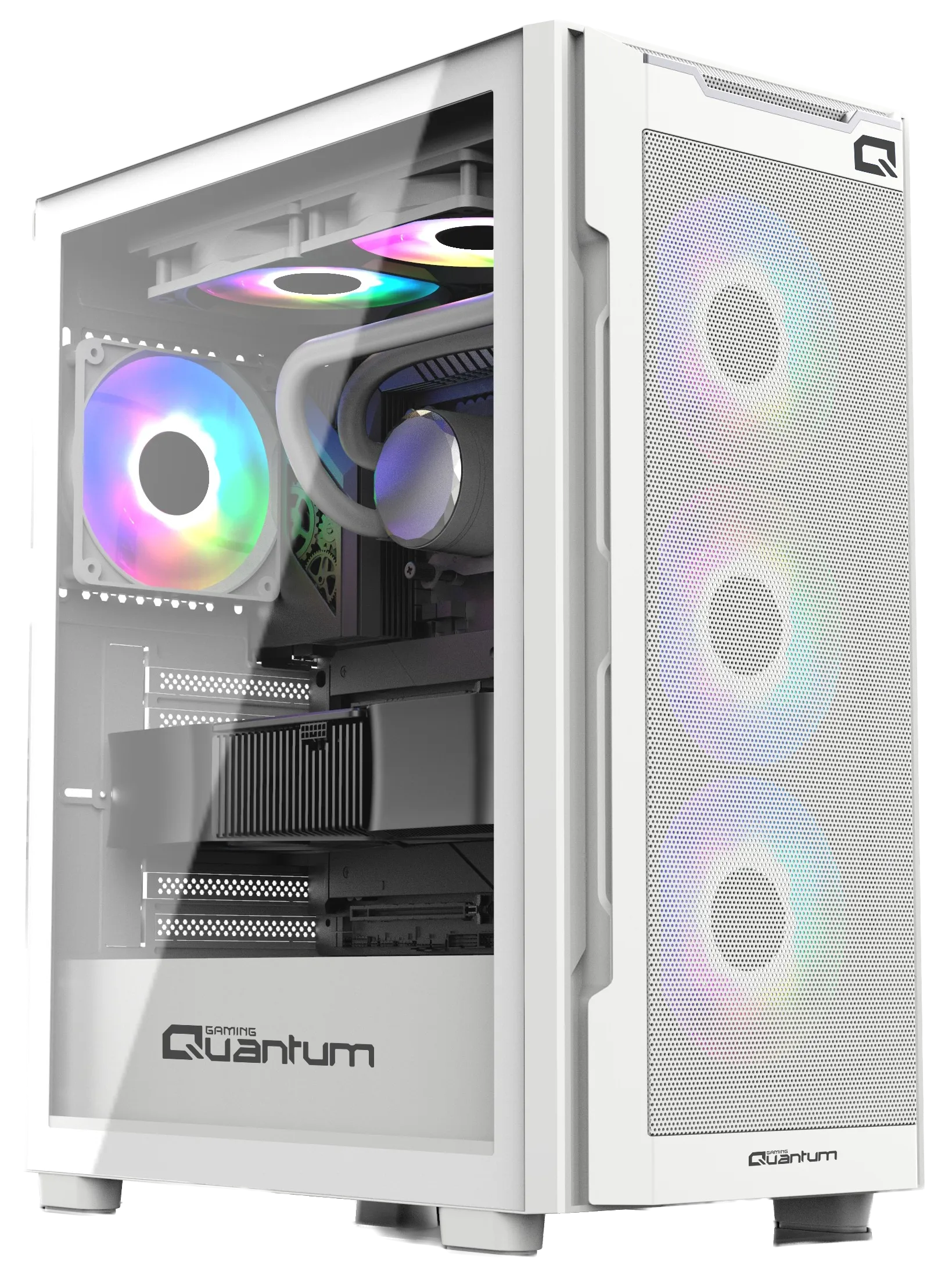
Standalone PC cases are available in a wide range of styles. White cases offer a clean, contemporary look, while RGB lighting can add colour to your build. Panoramic, sometimes called aquarium-style, cases use large glass panels to display the components inside.
Look at airflow paths, cable-routing space and the room available for future expansion. A case needs to accommodate the graphics card, motherboard, power supply and cooling hardware you intend to install.
Mid-tower cases can offer a practical balance of size and expansion space. Full-tower designs provide more room for large cooling systems and additional hardware. Compact cases for Mini-ITX builds suit smaller spaces, but require careful attention to component dimensions and cooling.
Steel, aluminium and tempered glass are commonly used for different structural and visual purposes. Removable panels simplify access, while dust filters can make routine cleaning easier. These details contribute to convenient maintenance over the life of the system.
Prebuilt Gaming Computers
If you prefer a complete computer, a prebuilt gaming system brings the case and components together in an assembled configuration. Pricing depends on the hardware inside, so distinguish between a standalone case and a complete gaming PC when comparing products.
Quantum gaming systems combine assembly, component compatibility checks and testing. The configuration can be chosen around different game types and performance requirements. A carefully arranged interior and tidy cable management support airflow and make the system easier to work with.
Features such as lighting controls and noise-conscious design can add to the everyday experience. Check the specifications of the particular system to see which features are included.
How to Choose a Gaming Case
Start with compatibility, cooling capacity and expansion space. Check motherboard form factor, graphics card length and thickness, CPU cooler clearance and radiator mounting positions. These measurements are especially important when using larger high-performance components.
A panoramic case can make your hardware a visual centrepiece, while a white case can complement a lighter desk setup. Appearance should be considered alongside the ventilation layout and the cooling hardware that the case supports.
Think about long-term use when comparing prices. Sturdy construction, convenient panel access, usable cable channels and practical fan mounts can be valuable during assembly, cleaning and later upgrades.
Explore Quantum Gaming Cases
Quantum's case options combine gaming-oriented designs with features for arranging and cooling your components. Fan placement and airflow paths help support consistent operation during longer gaming sessions when matched with an appropriate cooling setup.
Depending on the model, you can choose white or other finishes, tempered-glass panels and compatible RGB lighting. Compare the supplied fans, lighting controls and other included features before deciding which model meets your needs.
Removable drive cages, cable-routing options and accessible connections can make it easier to adapt a system as your hardware changes. Explore the case range, then add a gaming mouse to complete your Quantum setup.