

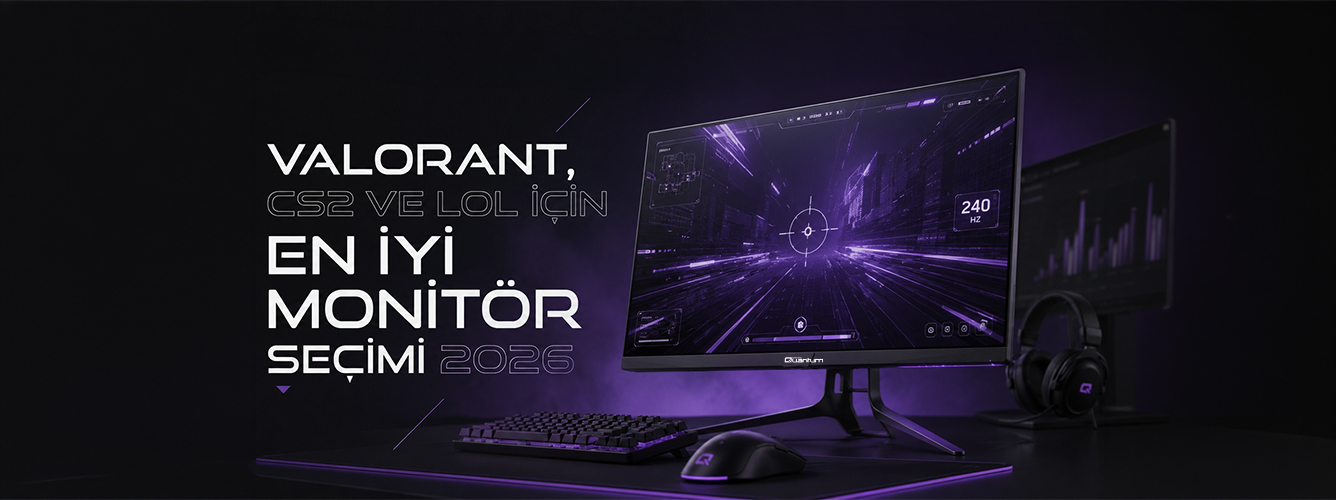
Choosing the Best Monitor for Valorant, CS2 and LoL in 2026
Choosing the Best Monitor for Valorant, CS2 and LoL in 2026
You have bought a new graphics card, upgraded your CPU and switched to dual-channel RAM, but you are still playing on a 60Hz monitor. That is like driving a powerful car in first gear. More than half the frames your system produces never reach the screen, leaving you at a disadvantage without realizing it.
In competitive games, choosing a monitor is as important as choosing a GPU, and sometimes even more important.
Refresh Rate: Is a Bigger Number Always Better?
144Hz, 240Hz, 360Hz, 500Hz... The numbers rise every year. Can you really feel every step?
Moving from 144Hz to 240Hz is very noticeable, especially in fast-paced games such as Valorant or CS2. Motion looks smoother, tracking targets becomes easier and quick turns look less blurred.
Moving from 240Hz to 360Hz still makes a difference, but the improvement is smaller. Professional players and those with very precise aim are more likely to notice it.
The move from 360Hz to 500Hz is more debatable. Most players struggle to distinguish the difference in blind tests, but this tier remains an option if you want every possible advantage.
Choosing a Panel: TN, IPS or VA
These three panel types offer different strengths and weaknesses.
TN panels were competitive players' first choice for years because of their very low response times. Their color accuracy and viewing angles have, however, fallen behind modern expectations.
IPS panels are the most sensible choice for most gamers in 2026. They offer vivid colors and wide viewing angles, while modern IPS response times have come very close to TN levels.
VA panels excel at contrast. Blacks look deeper in dark scenes, and modern VA monitors also support high refresh rates.
Let's Talk About Resolution
Many competitive players still use 1080p. Some professionals go even lower, to resolutions such as 1280×960 or 1024×768.
The main reason is higher FPS. Higher frame rates reduce input lag and make tracking targets smoother.
LoL is a little different. Map awareness and keeping track of your surroundings matter more, so 1440p can offer a more meaningful benefit.
A Quick Guide
- Valorant / CS2: Prioritize 1080p and a high refresh rate
- League of Legends: 1440p at 165Hz is more than sufficient
- If you play both: 1080p at 240Hz is a sensible starting point
Input Lag: The Monitor's Delay
Input lag describes how quickly your mouse movements are reflected on screen. It is especially important in games such as CS2, where milliseconds matter.
Fortunately, most monitors with refresh rates of 144Hz and above perform well here. It is important, though, to enable game mode.
Some monitors apply extra image processing when game mode is off, which can introduce a small delay.
Adaptive Sync: G-Sync or FreeSync?
G-Sync and FreeSync synchronize the graphics card and monitor to reduce screen tearing.
For NVIDIA users, a FreeSync monitor certified as G-Sync Compatible is often sufficient. AMD users can use FreeSync directly.
If your frame rate fluctuates, these features can noticeably improve the gaming experience.
Explore Quantum Gaming Monitors Before Deciding
Researching refresh rates, panel types, resolutions and screen sizes individually can take time. Quantum Gaming monitors combine IPS and VA panel options with the high refresh rates competitive gamers need.
Choosing a prebuilt system and monitor together makes it easier to match the system's frame output with the monitor's refresh rate.
Pairing a system that produces 400 FPS with a 144Hz monitor leaves performance unused, while buying a 500Hz monitor can add unnecessary cost. The key is finding the right balance.
In competitive games, a monitor upgrade can often feel more significant than a graphics card upgrade. If you still use 60Hz or 144Hz, moving to 240Hz may leave you wondering why you did not do it sooner.